Search Engine Optimization – 2026

Find broken links in Google’s Index instantly (for free)
Table of contents: Introduction
Find broken links using Google Sheets
A free, fast, and easy way to find broken links in Google’s index.
When you redesign a site, the URL structure usually changes. That means you need to redirect the old URLs to the new ones.
Otherwise the links in Google’s index will lead to a "404 – page not found" error.
This information is visible in Google Search Console, but Search Console data can be several days out of date.
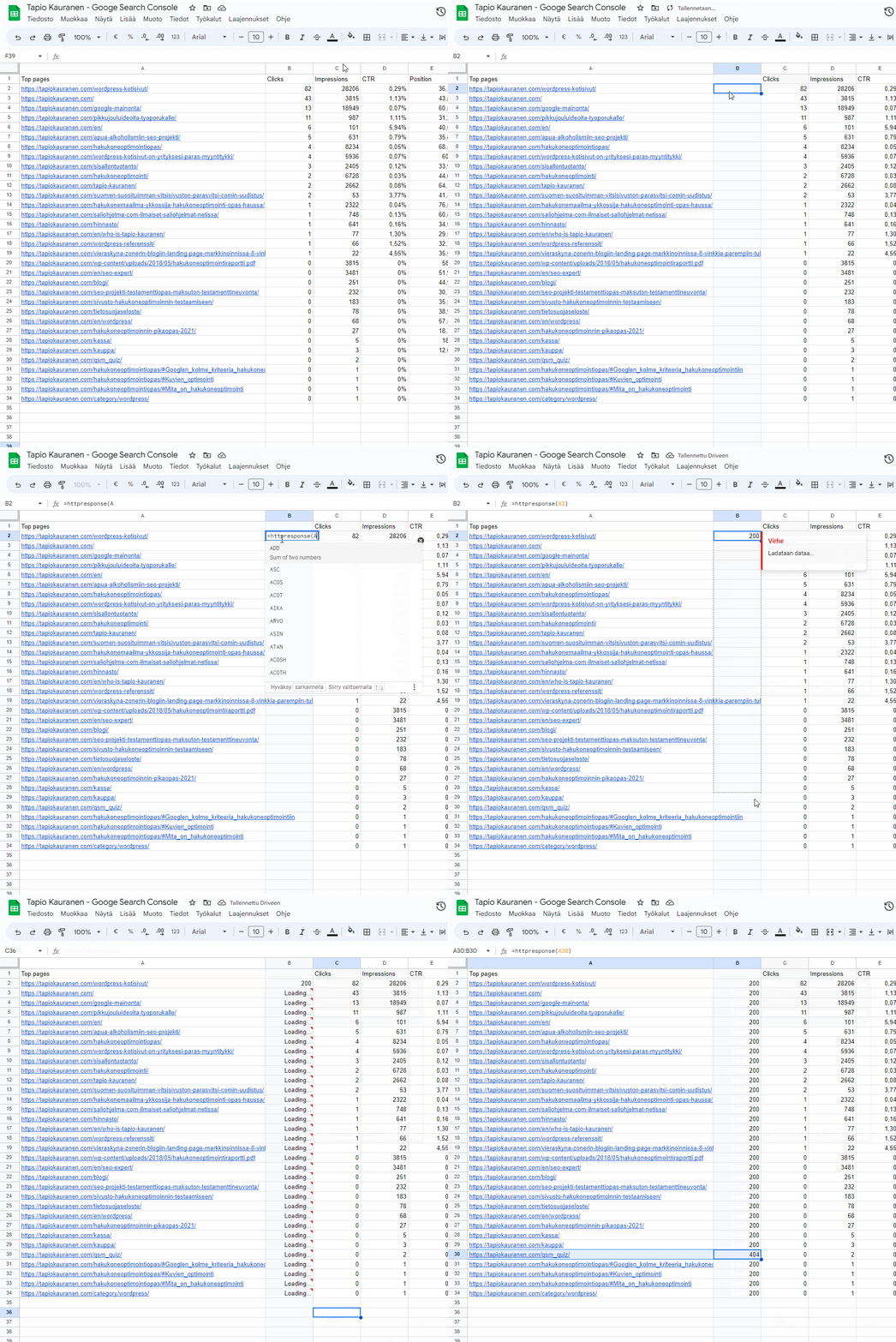
In this guide I’ll show you how to create the script below that checks links in seconds.
1. Get a list of URLs
Fetch a list of all your site’s URLs into a Google Doc
- Sign in to Google Search Console
- Go to the Performance section
- Select Pages
- Click Export
- Choose Export to Google Sheets

2. Create an Apps Script
Google Sheets doesn’t include a built-in URL-checking feature, so we’ll create one
From the site menu, click "Extensions" and open "Apps Script"

3. Copy the code below
Google Sheets doesn’t include a URL-checking feature out of the box, so we’ll create one
- Give your script a name. For example HTTP Response code checked 404
- Remove the boilerplate code and replace it with the snippet below
function HTTPResponse( uri )
{
var response_code ;
try {
response_code = UrlFetchApp .fetch( uri ) .getResponseCode() .toString() ;
}
catch( error ) {
response_code = error .toString() .match( / returned code (\d\d\d)\./ )[1] ;
}
finally {
return response_code ;
}
}
4. Save and run
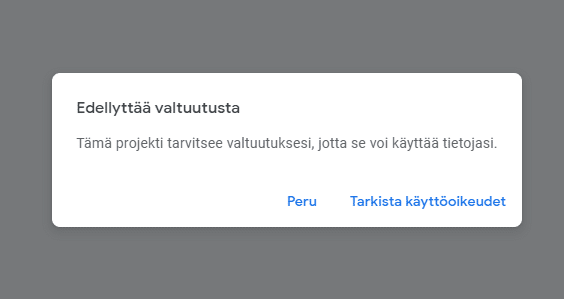
You’ll need to authorize the script to run
- Click the floppy disk icon (save button)
- Then click Run
- Grant the script full permission to edit your Google Sheets file

5. Ready — add the command to the sheet
The =httpresponse() function is now active
You can now use a new function in this sheet called =httpresponse.
It lets Google Sheets fetch the status for a given URL.
What do the codes mean?
- 404 = page not found
- 200 = page found and everything is OK
- See the full list of status codes on Wikipedia
Need help?
Book a free SEO check: in a 60-minute video call we look at how your website shows up on Google in Finland and what to fix first.
Free SEO check
A 60-minute Google Meet call: we look at how your website shows up on Google in Finland.